

23 ready-to-use form templates
Ready-made templates for field service and trades —
ready to use immediately.
Suitable for every industry — use them immediately or adapt them flexibly.
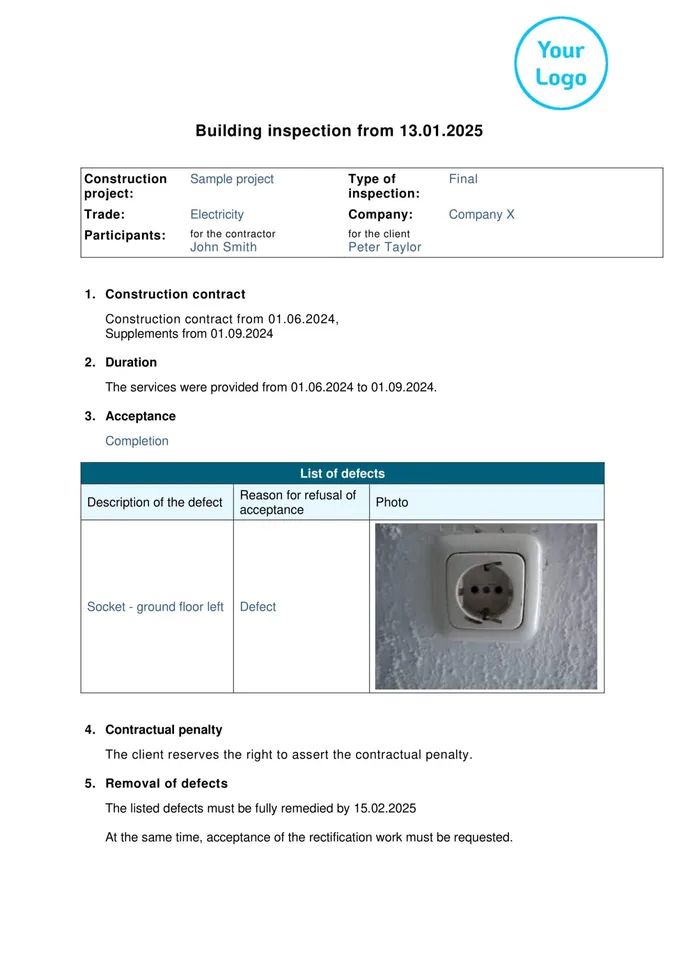
Building Inspection
- Record defects with photos and GPS
- Sign directly on a tablet
- Send the PDF immediately by email
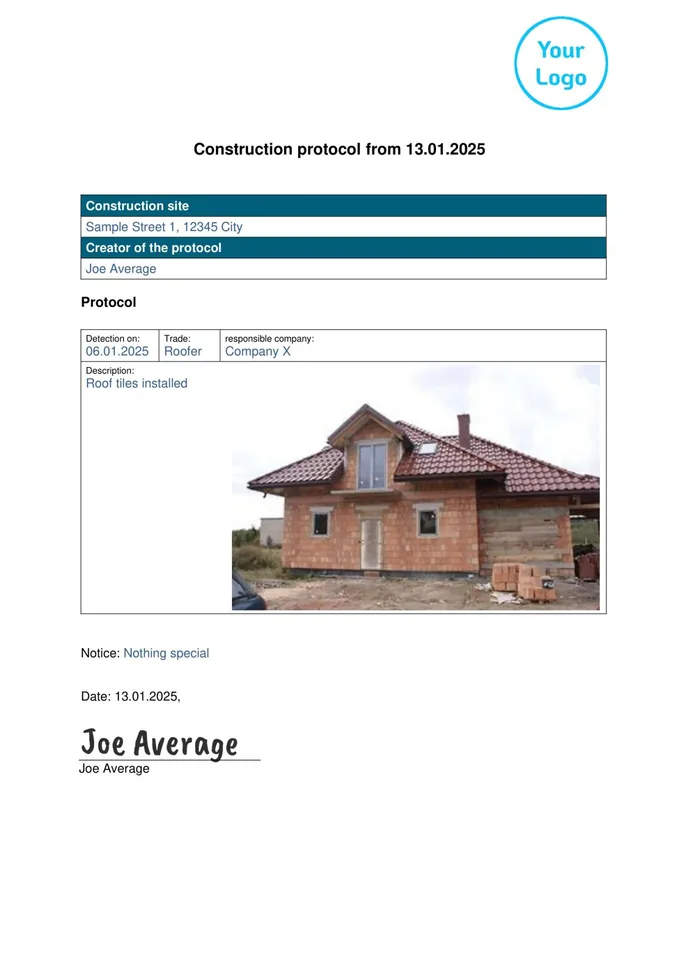
Construction Protocol
- Document construction progress directly on site
- Capture photos and notes on site
- Automatically send the PDF to the office
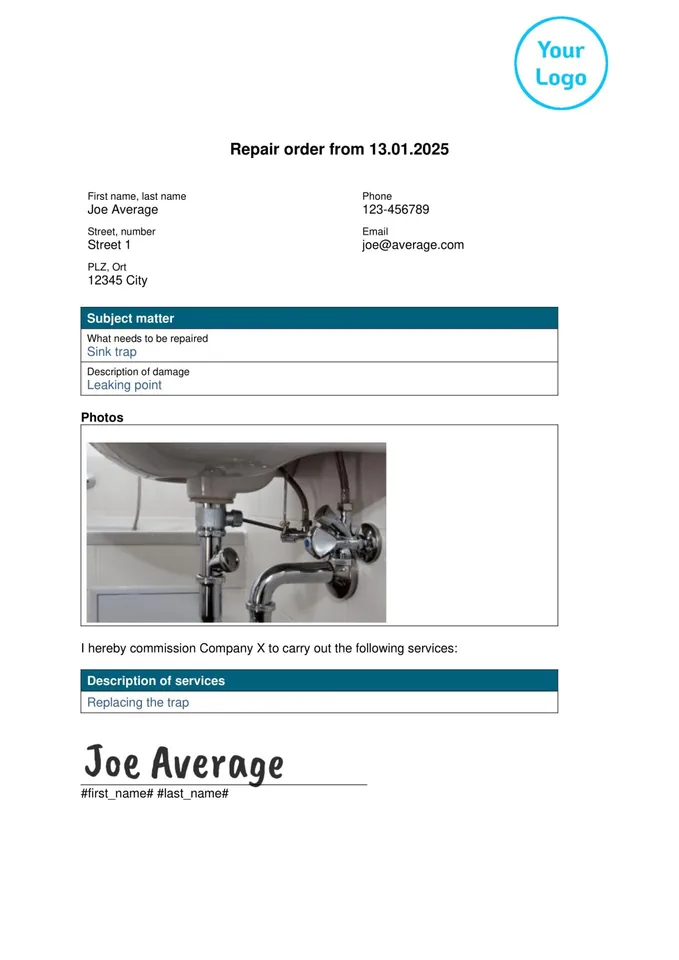
Repair Order
- Create the order directly on site
- Document damage with photos
- Send the PDF immediately by email
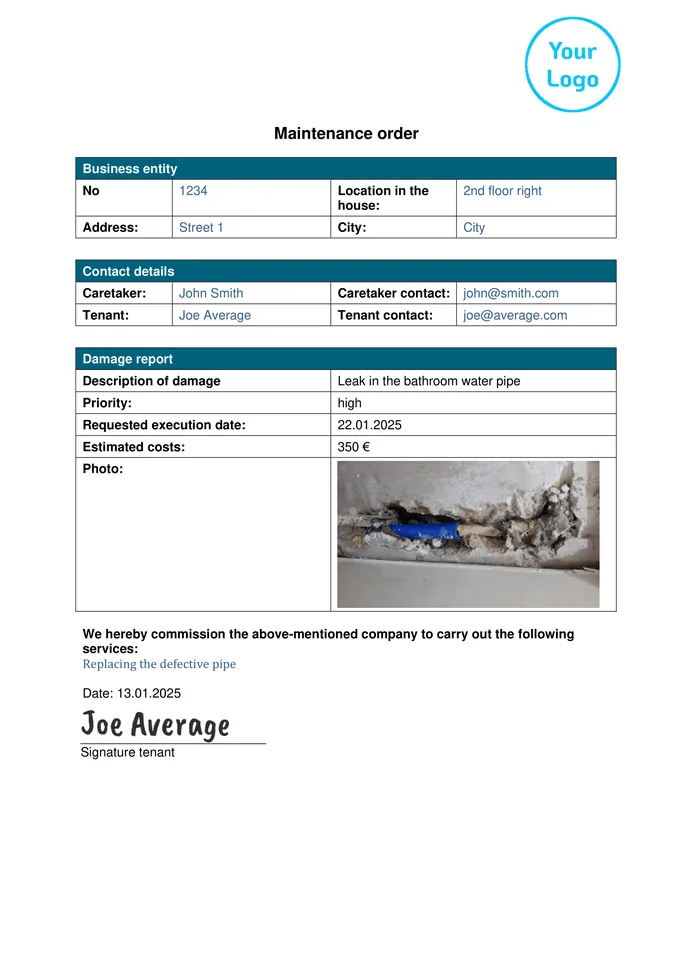
Maintenance Order
- Create the order directly on site
- Document materials and working hours
- Automatically send the completed report to the office
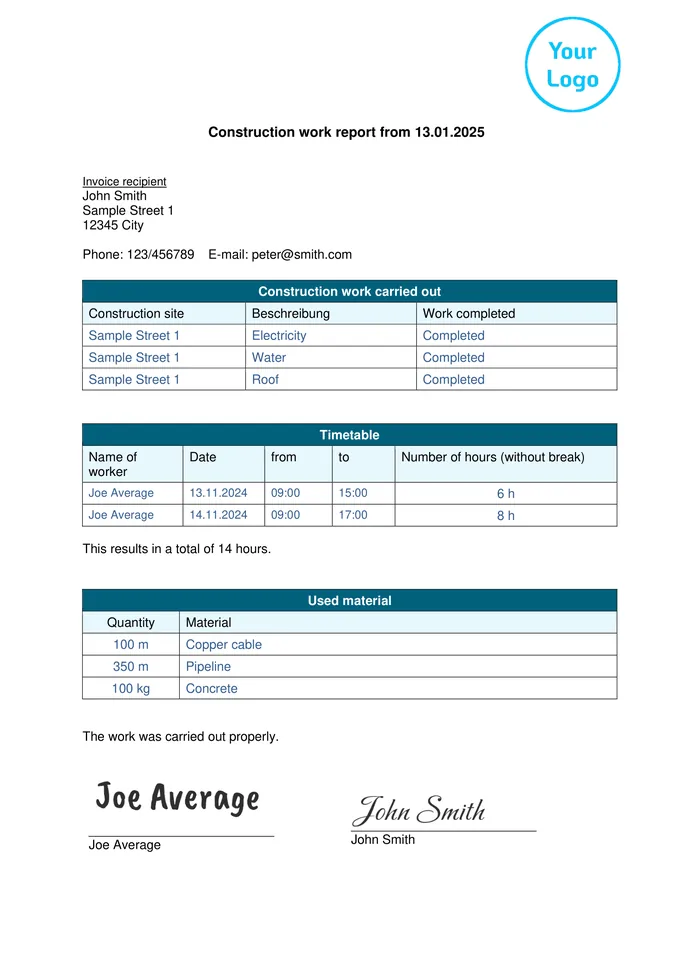
Construction Work Report
- Record working hours and materials on site
- Capture the customer’s signature digitally
- Complete the PDF before the technician leaves
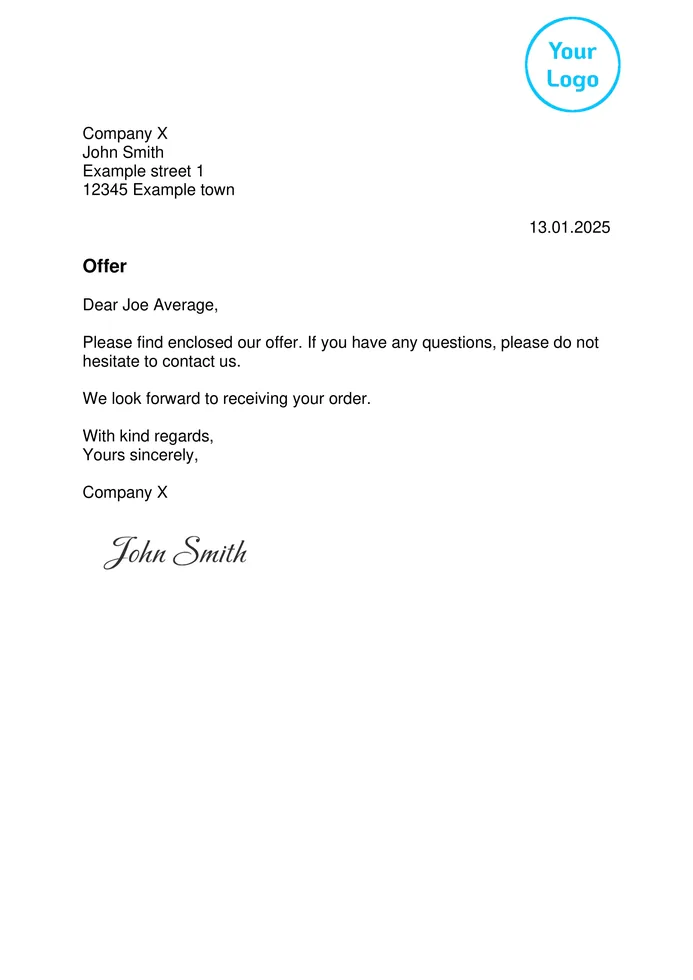
Business Letter
- Create quotes quickly and professionally
- Present prices and services clearly
- Send the PDF immediately by email
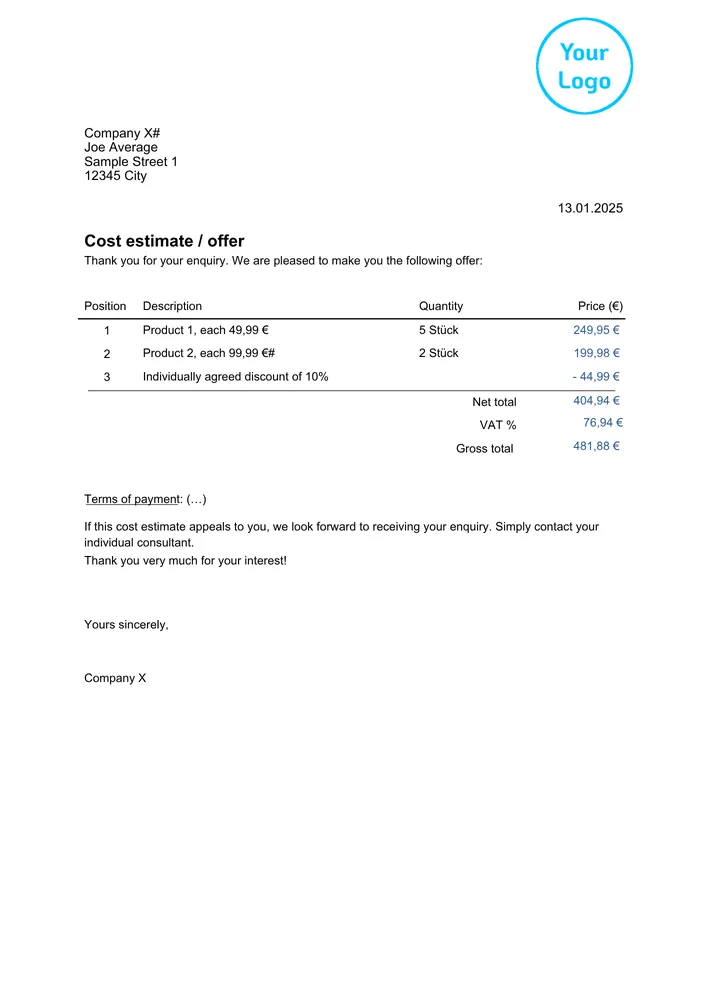
Cost Estimate
- Create the cost estimate directly on site
- Adjust items and prices flexibly
- Send the PDF to the customer immediately
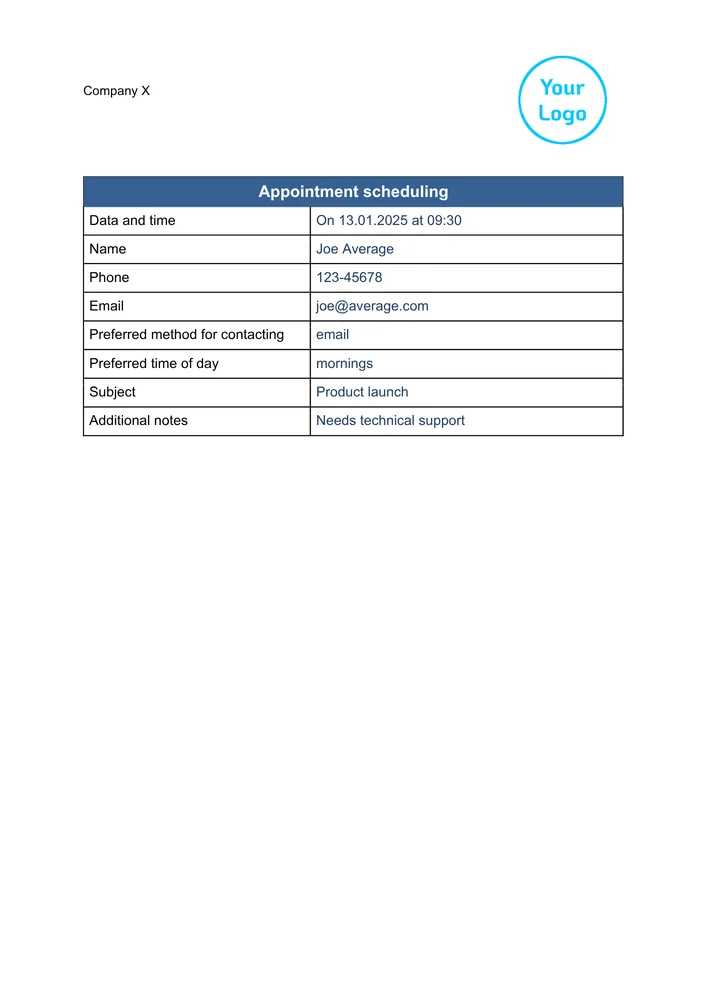
Appointment Scheduling
- Plan appointments and tasks in a structured way
- Keep the entire team up to date
- Send the PDF immediately by email
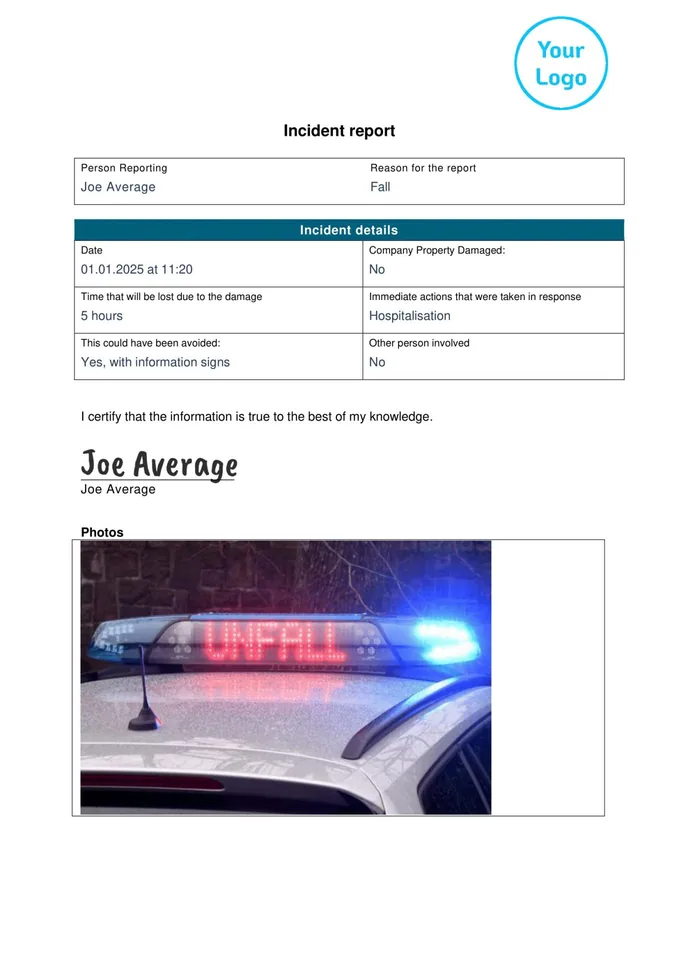
Incident Report
- Document the circumstances of the accident accurately
- Add photos and GPS data directly
- Send the PDF immediately to head office
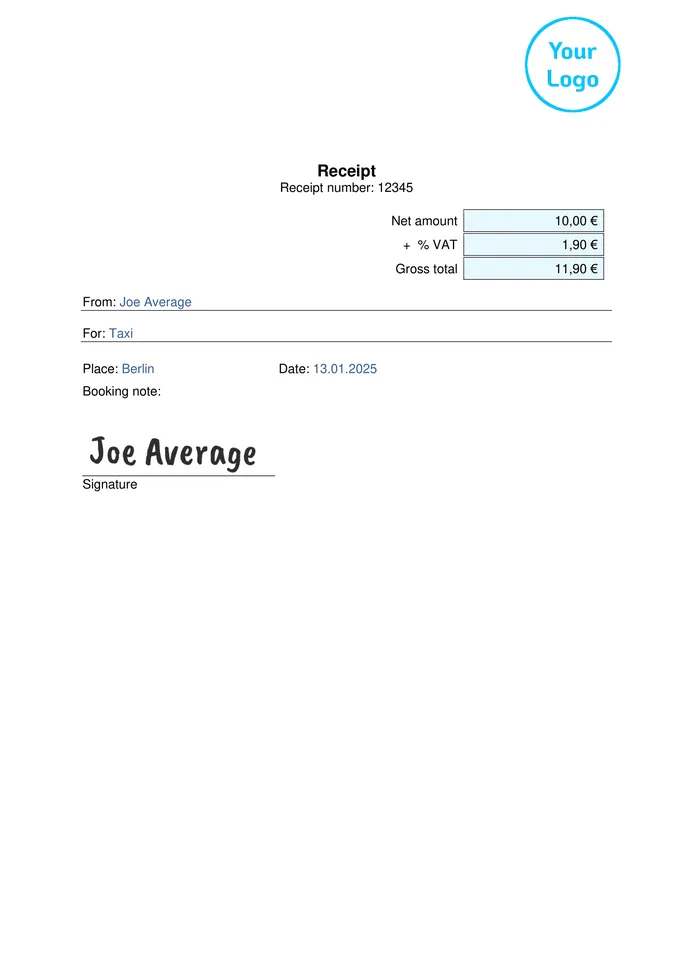
Receipt
- Confirm receipt of payment immediately
- Capture a digital signature
- Send the PDF to the customer immediately
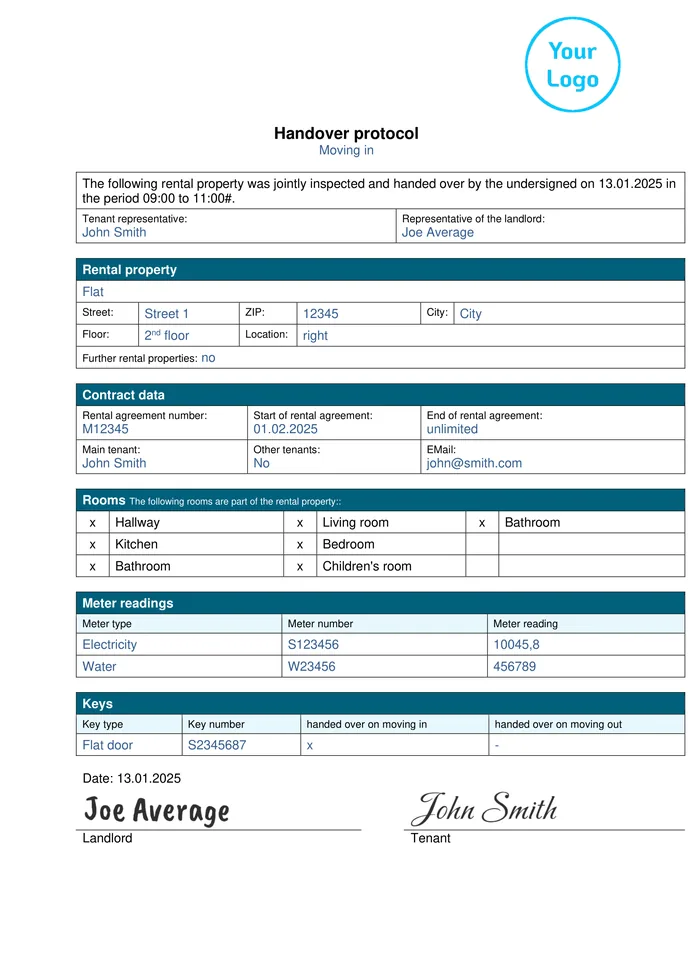
Handover Protocol
- Document defects with photos
- Capture signatures from the tenant and landlord
- Send the PDF immediately by email
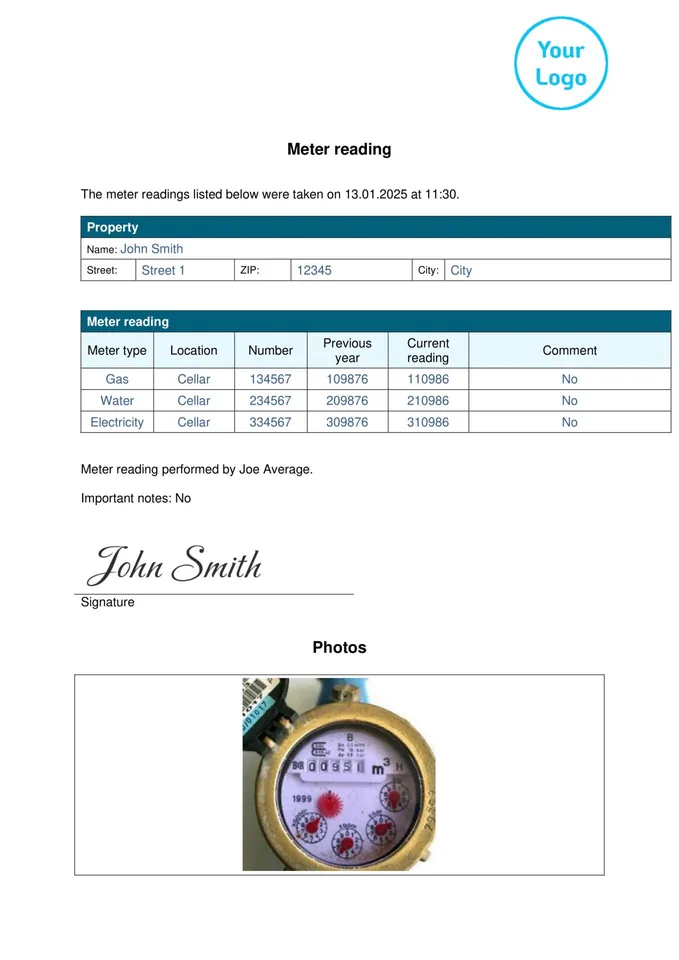
Meter Reading
- Record meter readings quickly
- Add photos directly
- Automatically send the PDF to the office
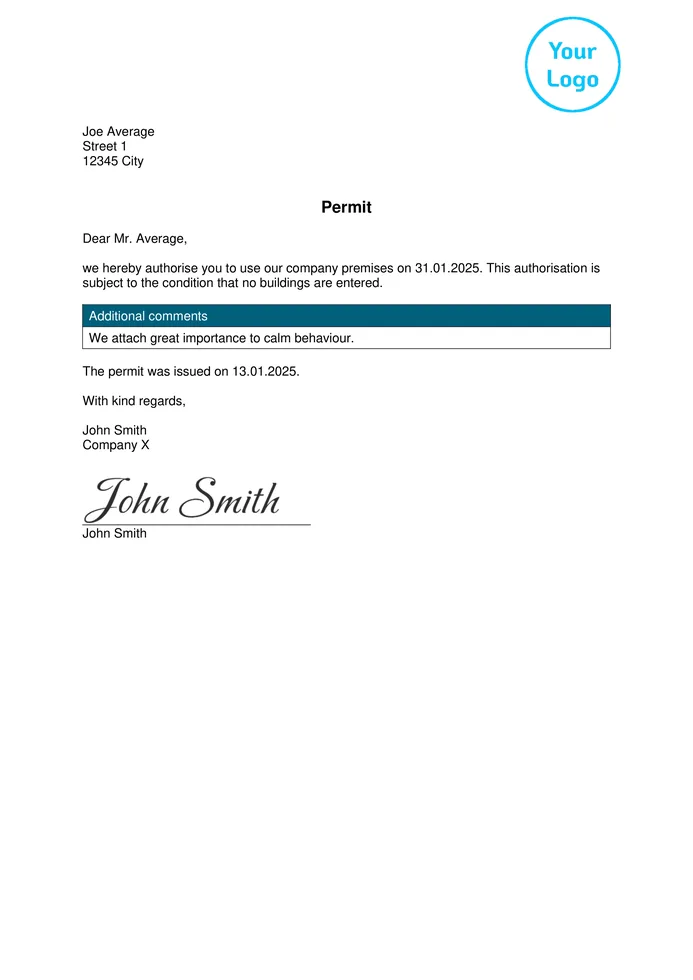
Permit
- Create applications digitally
- Obtain signatures directly
- Archive the PDF immediately
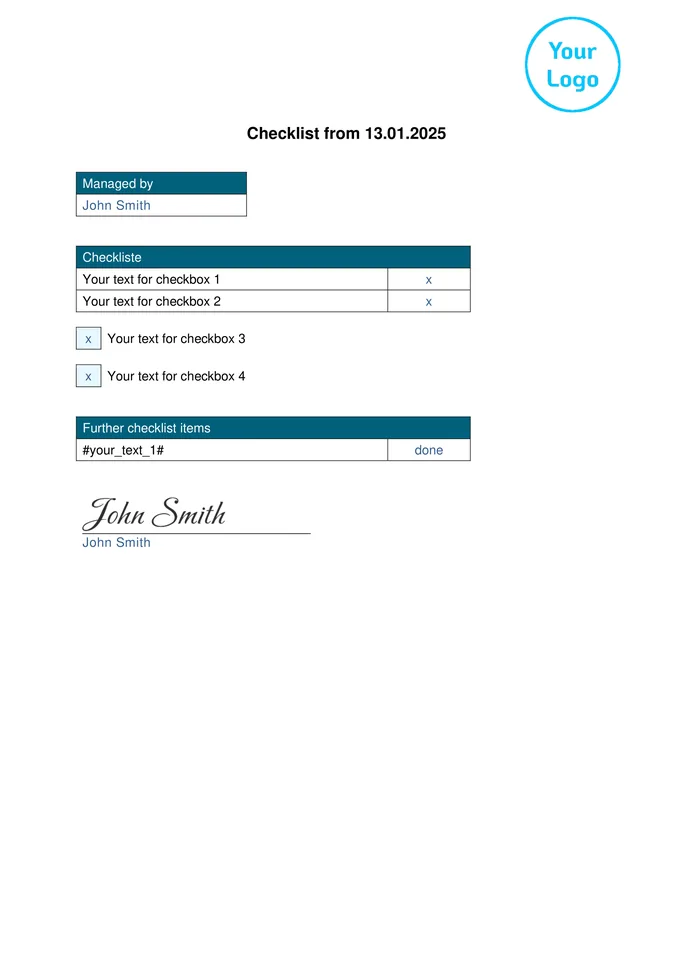
Checklist
- Complete tasks step by step
- Add photos and notes directly
- Send the PDF immediately by email
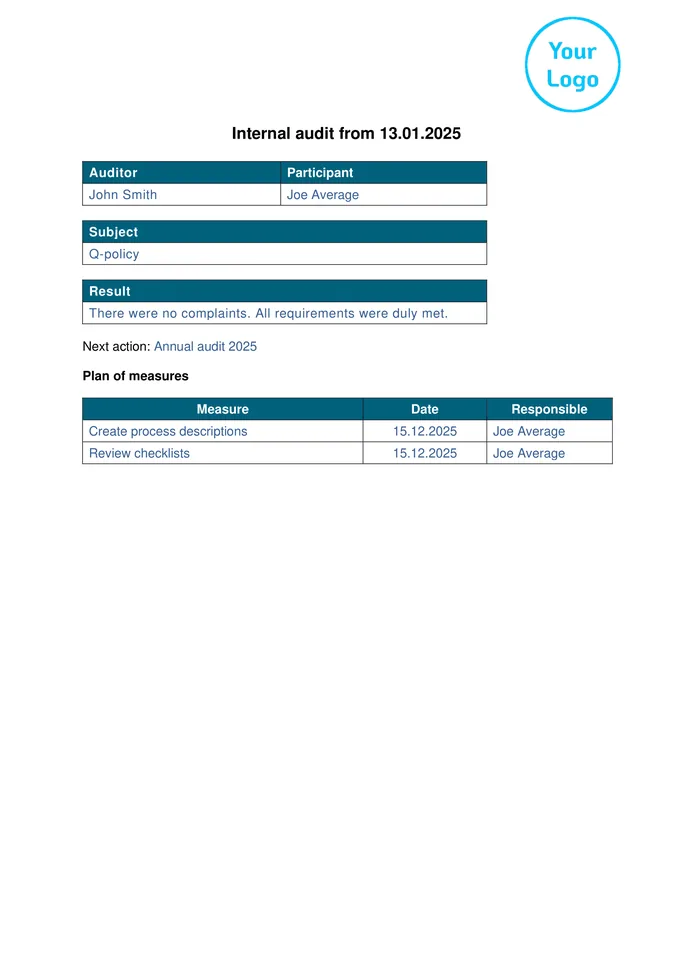
Internal Audit
- Complete inspection points in a structured way
- Document defects with photos
- Send the PDF immediately to management
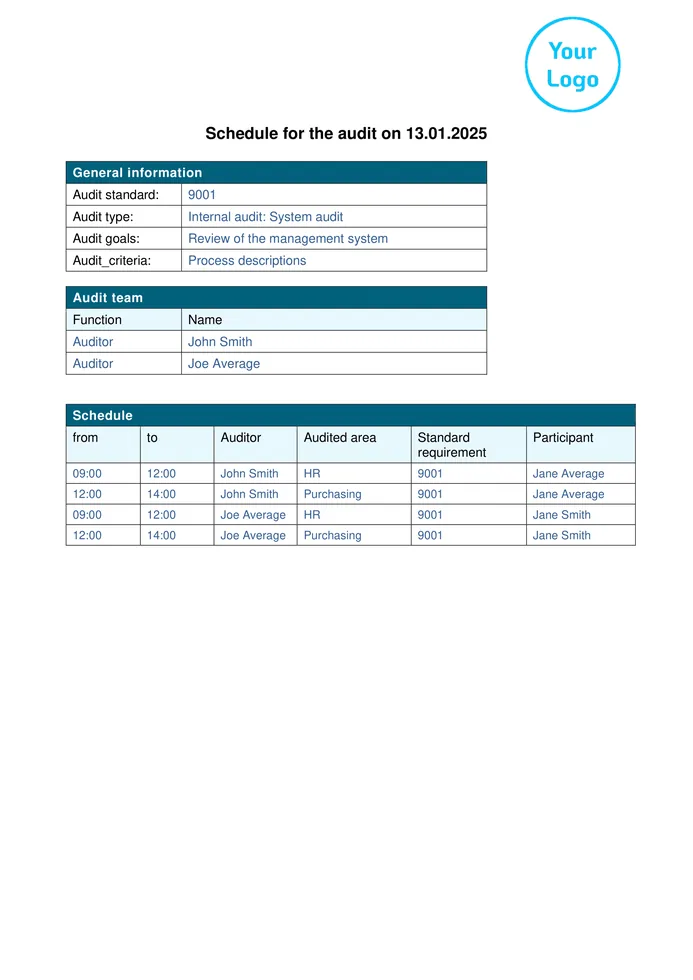
Audit Schedule
- Plan audit steps clearly
- Assign responsible team members
- Share the PDF immediately
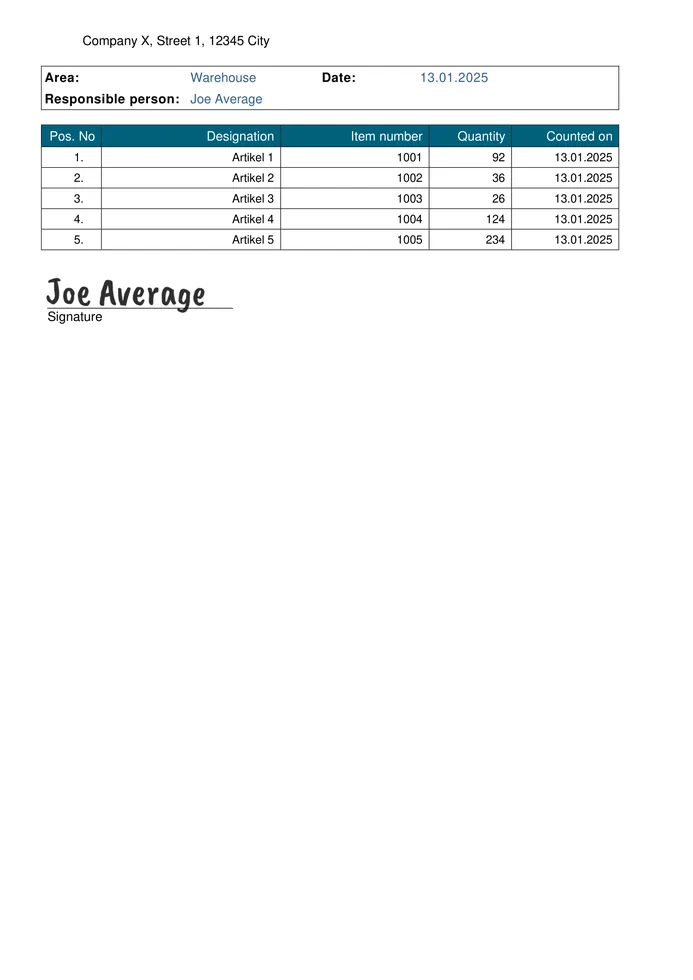
Inventory List
- Record stock levels quickly
- Enter photos and quantities directly
- Automatically send the PDF to the office
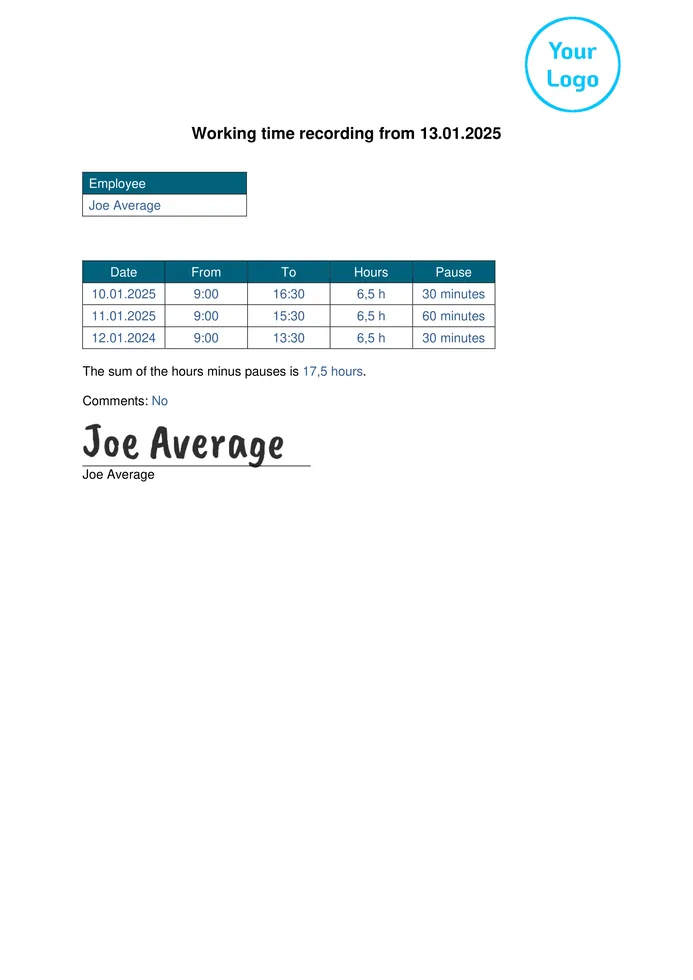
Working Time Recording
- Record working hours directly
- Document breaks and overtime
- Send the PDF immediately to the office
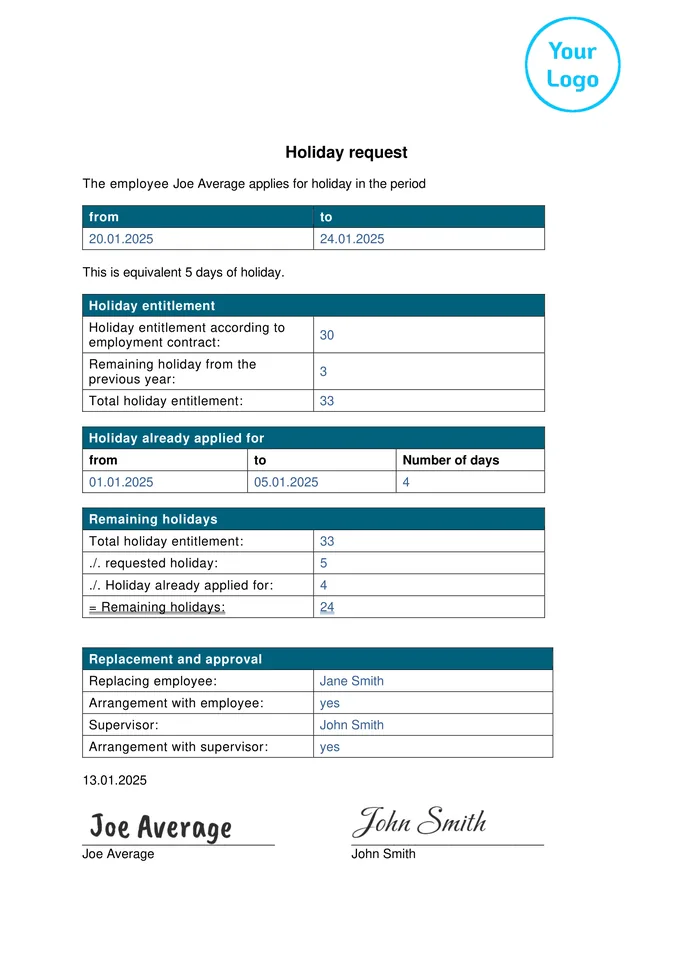
Holiday Request
- Complete the request digitally
- Obtain a signature directly
- Send the PDF immediately to HR
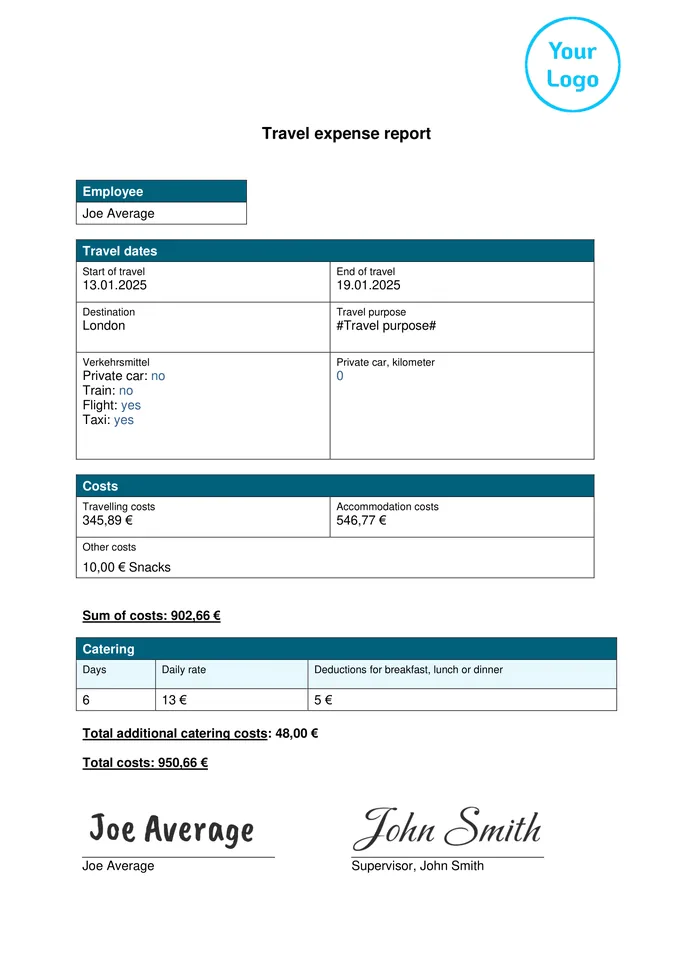
Travel Expense Report
- Record expenses directly while travelling
- Attach photos of receipts
- Send the PDF immediately for reimbursement
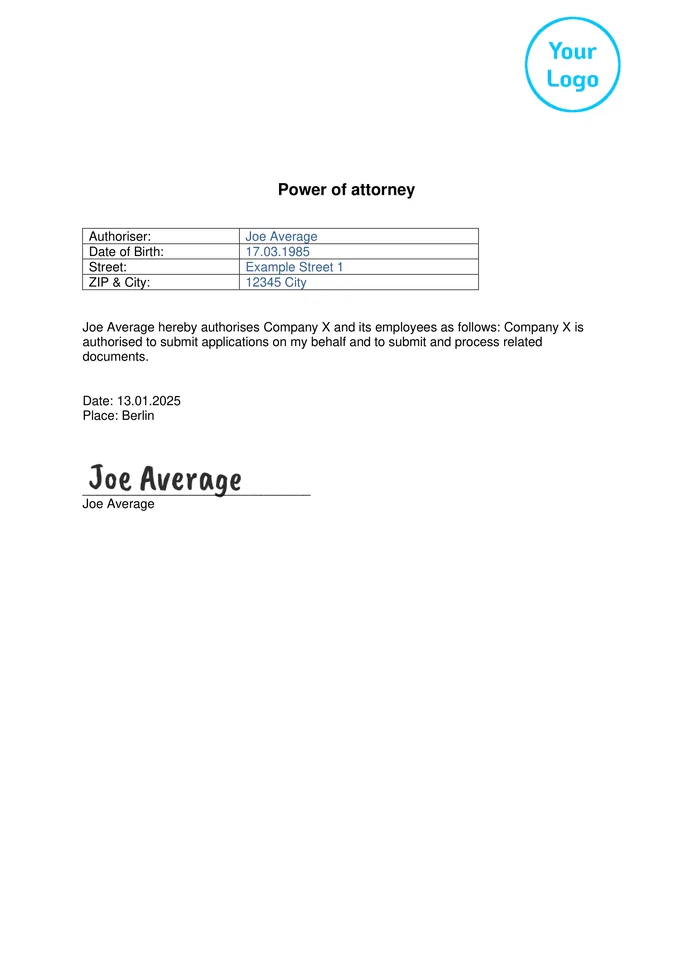
Power of Attorney
- Create a power of attorney digitally
- Obtain a signature immediately
- Archive the PDF immediately
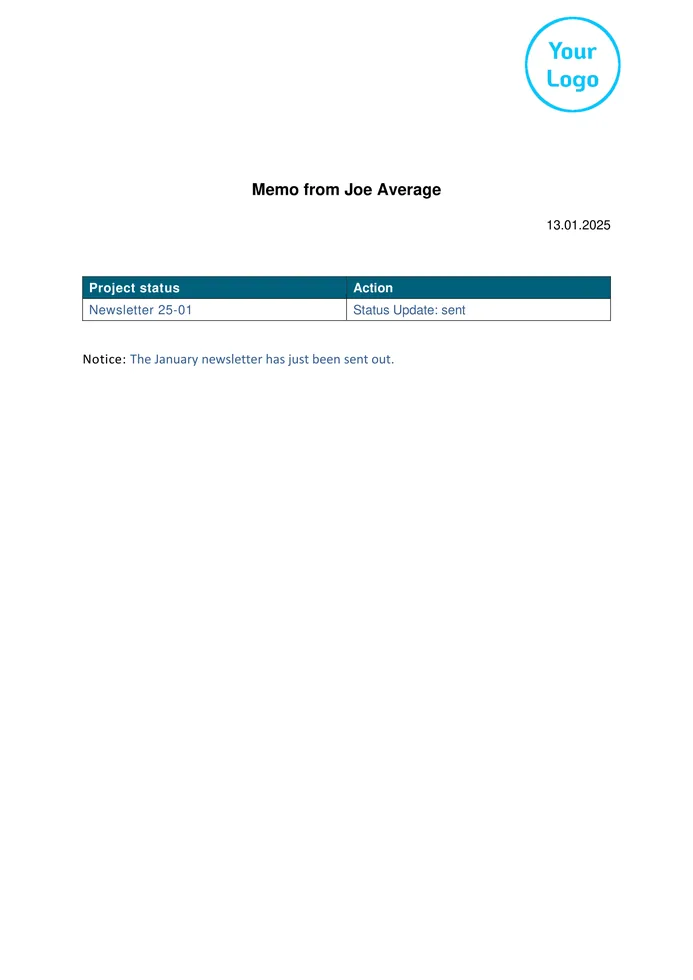
Memo
- Record important information quickly
- Add photos and attachments directly
- Share the PDF immediately
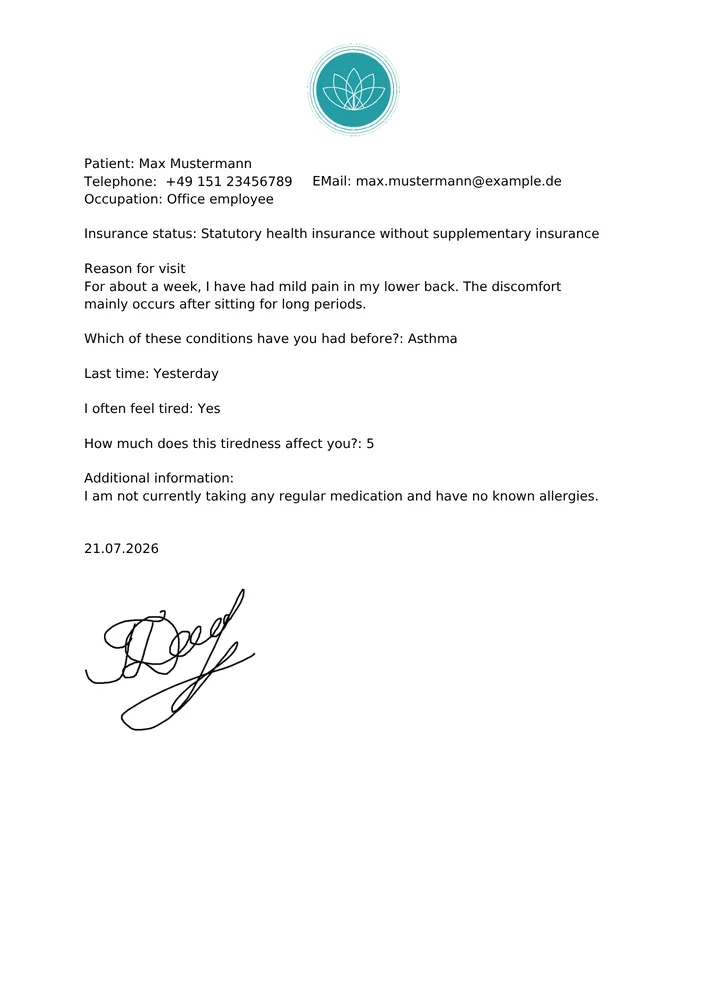
Medical History Form
- Record patient data securely
- GDPR-compliant and 100% available offline
- Send the PDF immediately to the medical practice
Start with a blank template — or let us digitise your form for you.
Create your own forms using drag and drop or by chat with ChatGPT or Claude, or simply send us your PDF, Word document or photo. We will set it up for you, ready to use.
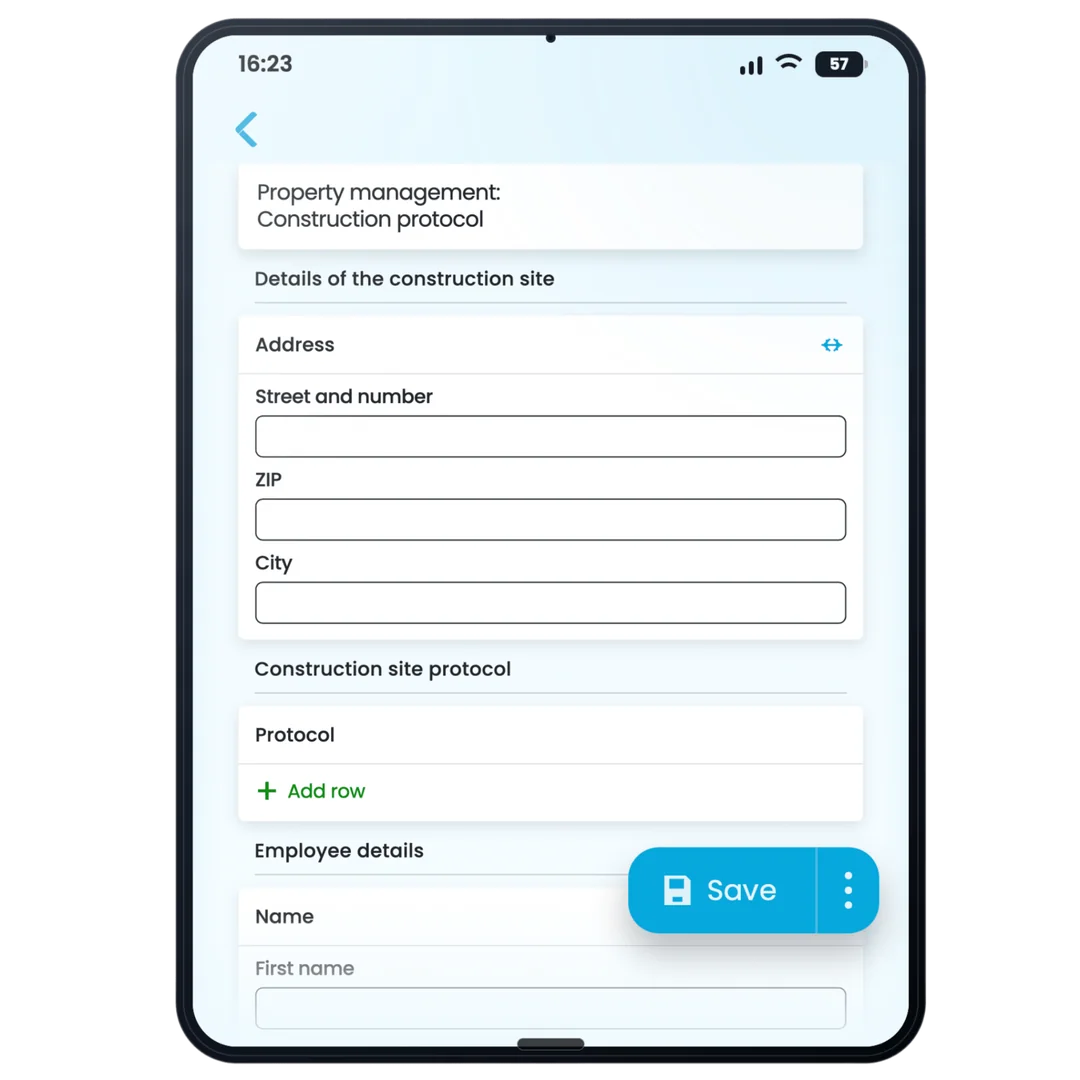
Create your own forms — no coding required
Choose a template, customise it to your needs and start using it with your team right away.
Use a template or start from scratch
Start with a template from the gallery or build your form on a blank page.
Customise by drag and drop or chat
Adapt fields, your logo and colours to your business without any IT knowledge.
Start using it with your team right away
100% available offline — complete reports directly on site and send them as PDFs.








Designed for real-world workflows
GDPR-compliant, available offline and supported by real people.

“Our medication blister-pack records are now fully digital — no more paper chaos, and the data is immediately available at our central office.”

All About Formtastic Templates
Everything you need to know before getting started. We are happy to answer any further questions personally.
Are the templates free, and how much does Formtastic cost after the trial period?
Yes, you can test all templates with your team free of charge and with no obligation for 14 days. You can create a Formtastic account in under two minutes without providing any payment details.
To continue using Formtastic after the trial, plans start from €24 per month. They can be cancelled monthly and include no hidden setup fees.
The exact cost is transparently based on the number of active users in your team.
Can I customise a template for my company?
Yes. Every template can be customised using drag and drop: add, remove or rename fields, include your own logo and structure the form to match your workflow. No coding knowledge required. You can also describe changes by chat to ChatGPT or Claude. The AI creates them as a draft for you to review before publishing.
Are there government grants available for implementing Formtastic?
Yes. Because Formtastic helps digitise your business processes, its implementation may be eligible for funding in many federal states, for example through the Digitalbonus Bayern or regional digitalisation grant programmes, with funding rates of up to 50%. We will be happy to support you in checking the relevant requirements.
What if I can’t find a suitable template?
In that case, you can create your own form from scratch in just a few minutes. Alternatively, send us your existing paper form as a PDF or photo, and we will set it up for you free of charge.
Do the forms also work without an internet connection?
Yes, 100%. Whether on a construction site, in a basement or in an underground car park, your employees can complete forms offline. As soon as an internet connection is available again, the app automatically synchronises the data in the background.
How secure is my data?
Your data is processed in compliance with the GDPR and stored entirely on servers in Germany, with encrypted data transmission via TLS. Your data is never shared with third parties — particularly important for property management companies and trades businesses handling sensitive customer data.
Can Formtastic be connected to our existing systems?
Yes. Completed PDFs and Excel spreadsheets can be sent automatically by email or synchronised directly with Google Drive, Google Sheets, or your own server via SFTP/FTP. Webhooks can also be used to automatically transfer data to connected systems, tools or custom workflows — with no manual effort required.
What happens if I need help?
You are never on your own. Our support team responds personally by phone or email, and we will even help you set up your forms free of charge — so you can work productively from day one.
Get Started Now
Found the Right Template?
Get started with Formtastic in just a few minutes — no credit card and no setup effort required.