
Template languages
In this fourth step, users of the Enterprise plan can add additional languages to a form template. For each language added, translations must be entered in step 1 for the fields created and the template name.
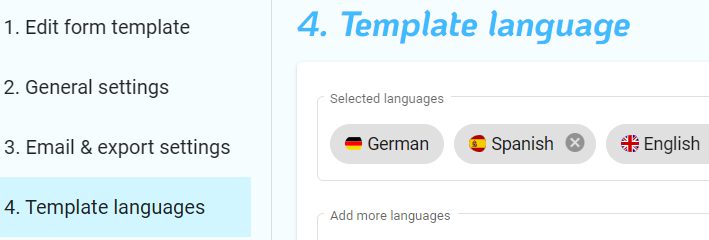
You can switch back and forth between all added languages when filling out the form in the app or in the browser using the language switcher. The switch is located at the top of the form. The preselected language is already based on the language settings of the device, so that the most suitable language for the user is automatically displayed.
Standardised form export in the corporate language
The PDF documents and Excel exports are always created in a consistent language, regardless of the language selected when completing the form. This means that you do not receive any data with translated designations, but only the company language used to date. This means that your data remains language-consistent and can therefore be optimally utilised for further processing within the company.
Translatable designations
The following designations can or must be translated:
- Name of the template
- Field names
- Selection elements in selection and list fields
- For checkboxes: Label for YES choice / Label for NO choice